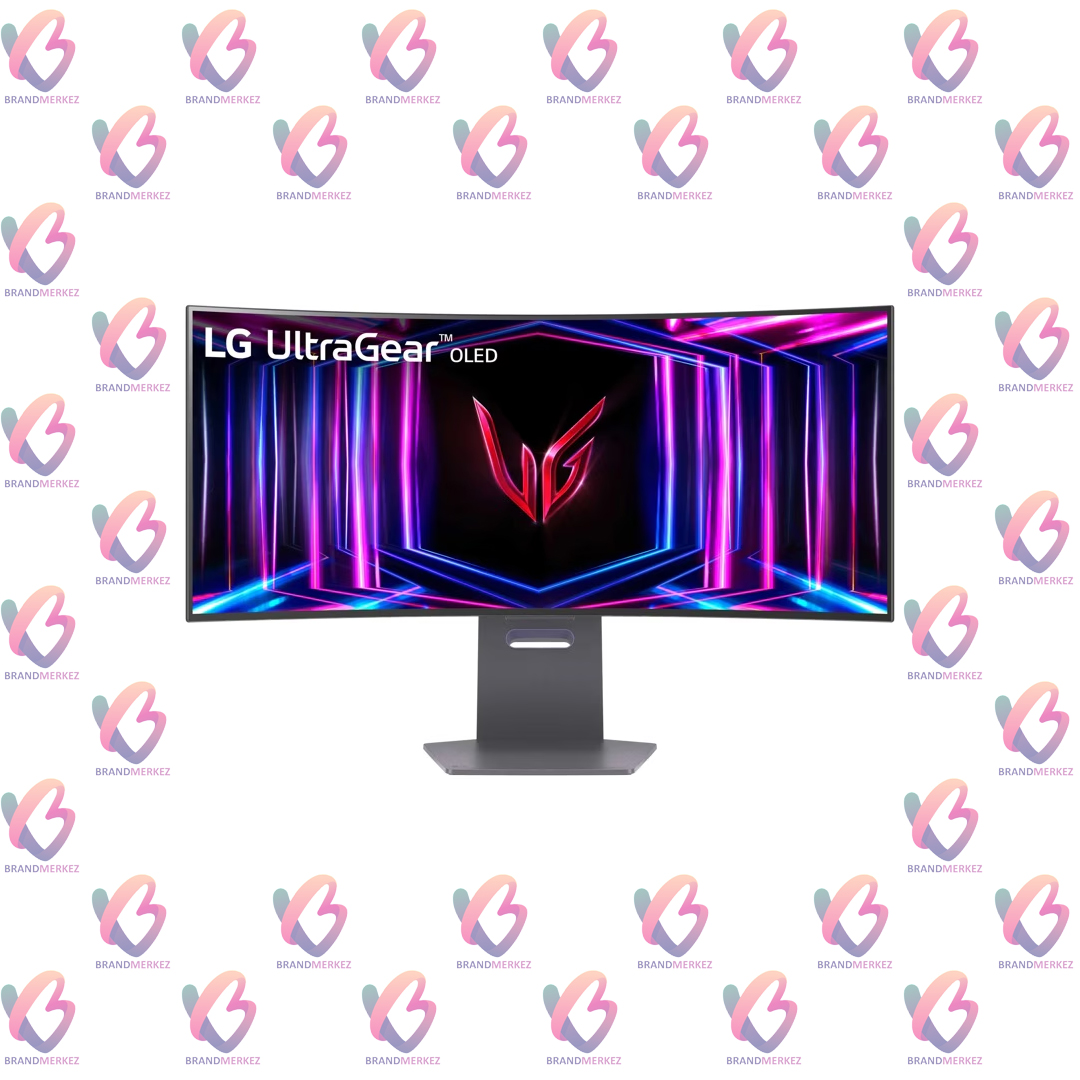
LG 34GS95QE-B Curved Oled Gaming Monitor with Ultragear 34″
- 34″ Ultra-WQHD (3440 x 1440) 21:9 800R Curved OLED
- OLED with 240Hz refresh rate
- 0.03ms (GtG) response time
- DisplayHDR True Black 400 / 1.5M:1 contrast ratio
- Unity Hexagonal Design
- VESA certified AdaptiveSync / NVIDIA® G-SYNC® Compatible / AMD FreeSync™ Premium Pro / VESA ClearMR
Compare
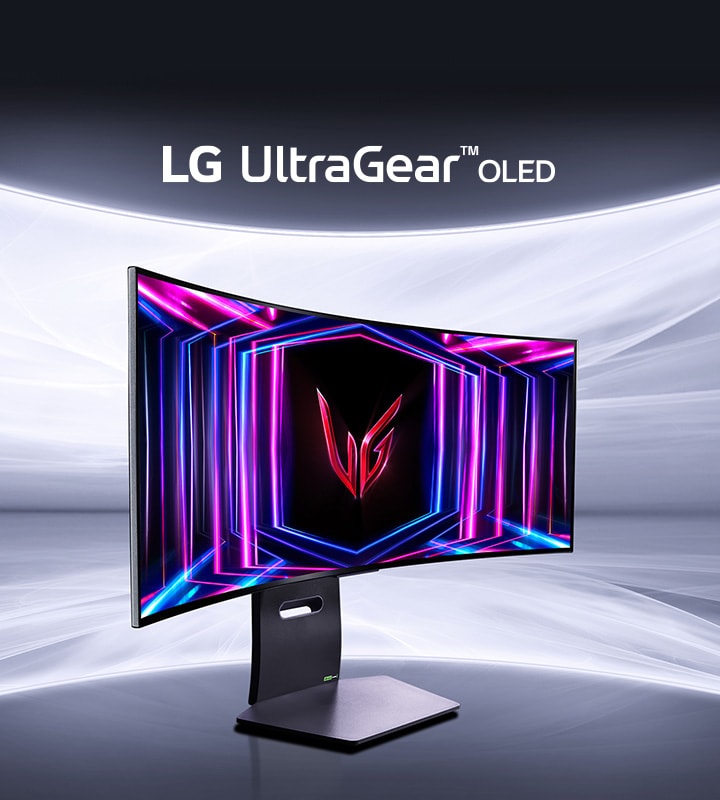
UltraGear™ OLED gaming monitor.
*The images simulated to enhance feature understanding. It may differ from actual use.
Be the core of your play
Here comes the all-new 800R curved monitor, which unfolds right around you and fills your world.
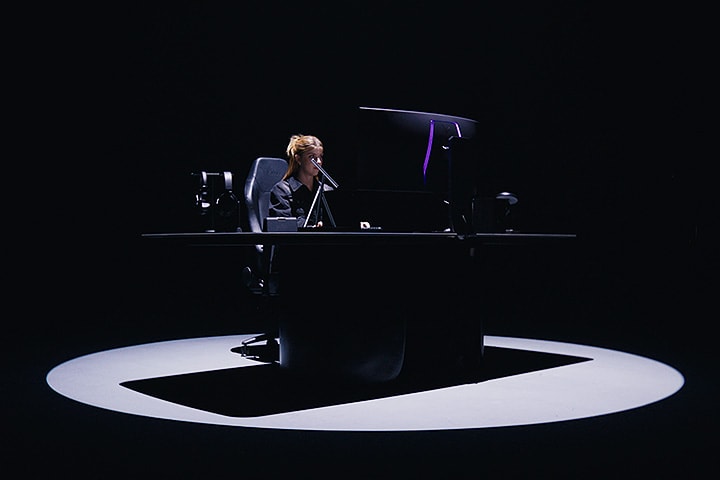
*The images simulated to enhance feature understanding. It may differ from actual use.
Display
34″ Ultra-WQHD Curved OLED
DisplayHDR True Black 400 / DCI-P3 98.5%
Anti-glare & Low reflection
Speed
240Hz refresh rate
0.03ms (GtG) response time
240Hz from DisplayPort & HDMI
Technology
VESA ClearMR
VESA certified AdaptiveSync
NVIDIA® G-SYNC® Compatible
AMD FreeSync™ Premium Pro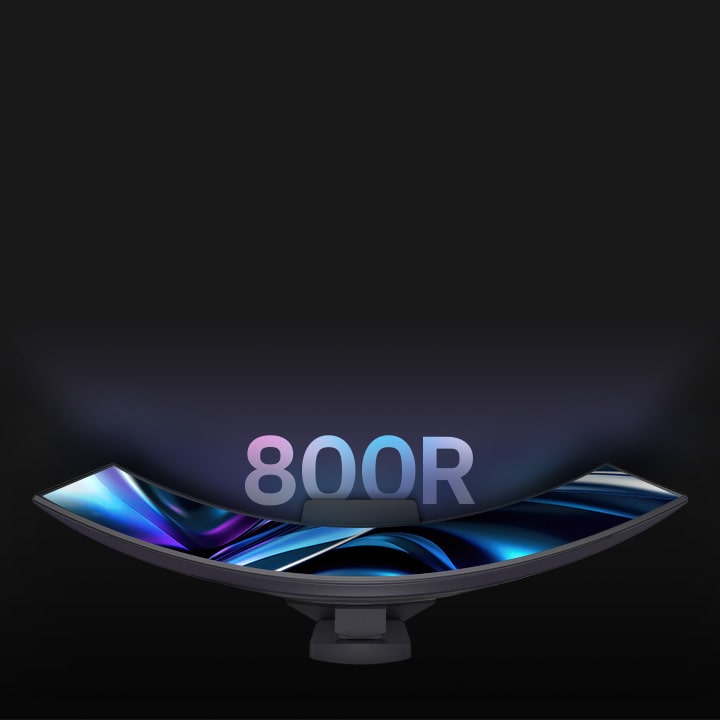
*The images simulated to enhance feature understanding. It may differ from actual use.
As you sit at your desk, it becomes the focal point of the screen, delivering the original graphics with consistent brightness and vibrancy without any distortion. Be at the core of the 800R curve and explore the entirety of the gaming universe.
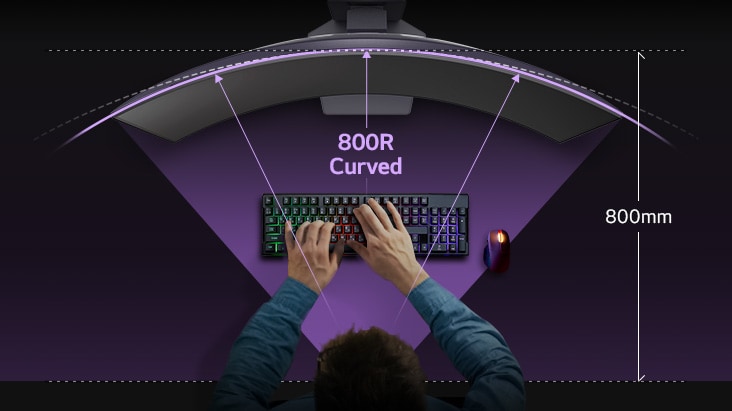
*The images simulated to enhance feature understanding. It may differ from actual use.
*The assumption of viewing may vary depending on the distance from the screen and the user’s posture.
Explore the panoramic gamescape
Its 34-inch 21:9 Ultra-WQHD display gives you a 34% wider view than a standard 16:9 screen. Experience overwhelming immersion into the new gamescape for the first time.
*The images simulated to enhance feature understanding. It may differ from actual use.
The brighter OLED
Brilliance to
magnificent play
The brilliant OLED display takes colours to a new level of vividness. With a standard luminosity of 275nits and a peak brightness of 1300nits, this monitor keeps your visuals bright and vibrant, ensuring you never play in the dark.

Bright OLED panel.
*The images simulated to enhance feature understanding. It may differ from actual use.
*The brightness of the monitor is compared to the previous model, LG UltraGear™ 45GR95QE.
*Brightness: 250nits (Min.), 275nits (Typ.).
Micro Lens Array+
The evolution of OLED
Our UltraGear™ OLED featured Micro Lens Array+ technology, presents 37.5% higher brightness (SDR) compared to MLA.
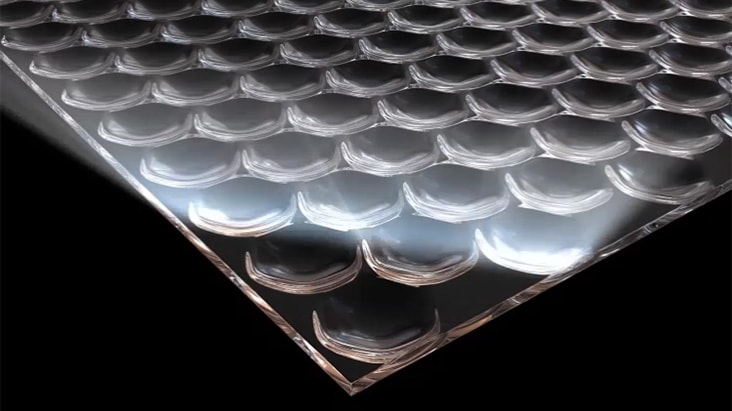
*The images simulated to enhance feature understanding. It may differ from actual use.
DisplayHDR True Black 400 / DCI-P3 98.5%
The explosion of colours
VESA DisplayHDR True Black 400 makes every scene, whether bright or dark, come to life with its realistic details with a 1.5M contrast ratio and DCI-P3 98.5% (Typ.).
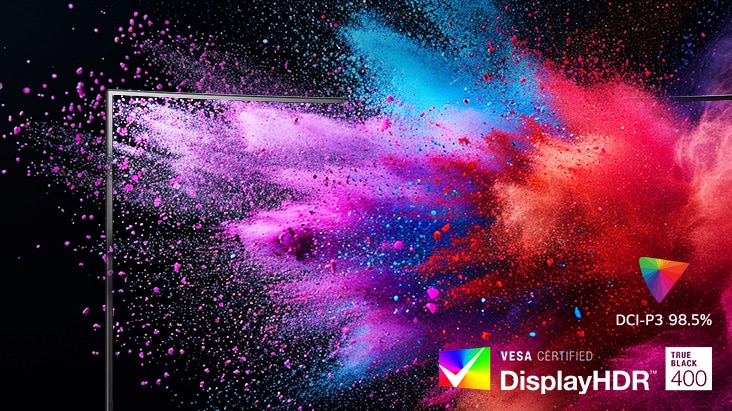
*The images simulated to enhance feature understanding. It may differ from actual use.
*1.5m:1 is the contrast ratio at 25% APL.
*APL (Average Picture Level) value is given as a percentage and refers to the value between the black level and the reference level for white.
Quick setups for brighter OLED
[Option 1] Turn off the Smart Energy Saving mode.


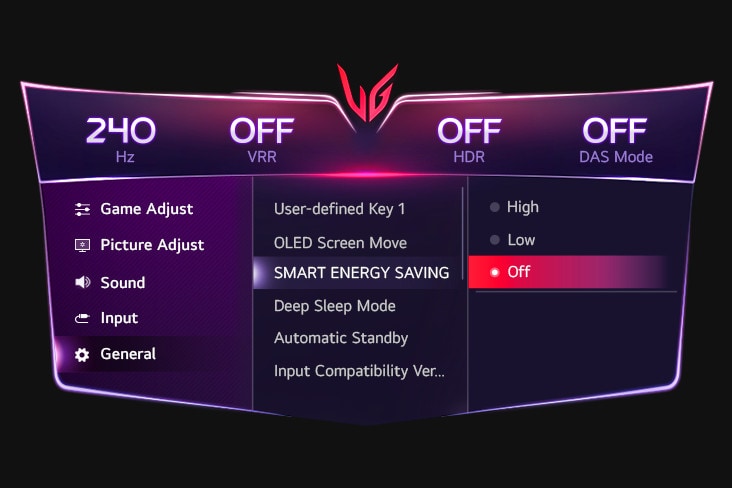
*The images simulated to enhance feature understanding. It may differ from actual use.
*Power consumption may increase when the above options are chosen.
*The display burn-in may occur in brighter mode.
OLED display with 240Hz
Lightening speed motion
LG’s new UltraGear™ monitor delivers the ultra-fast speed of 240Hz refresh rate to see the next frame quickly and makes the image appear smoothly. The gamers can respond rapidly, catch opponents, and aim at targets easily.
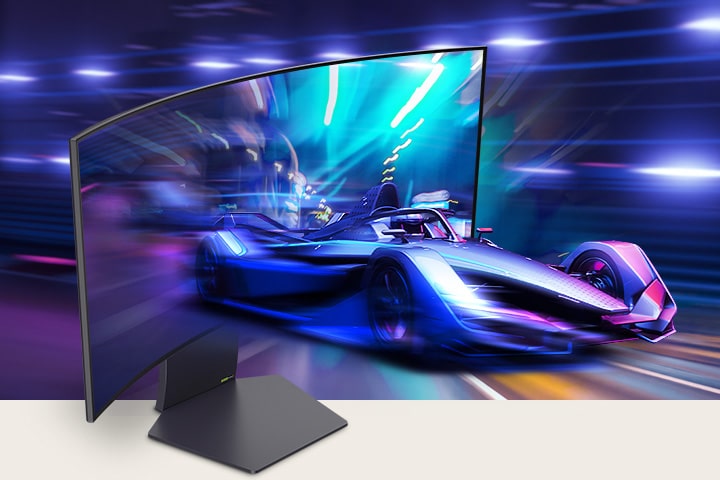
OLED display with 240Hz and 0.03ms (GtG).
*The images simulated to enhance feature understanding. It may differ from actual use.
Extremely fast
0.03ms (GtG) response time
With 0.03ms (GtG) response time, reducing reverse ghosting, and helping objects render clearly, enjoy the game with smoother movement and surreal visual fluidity.
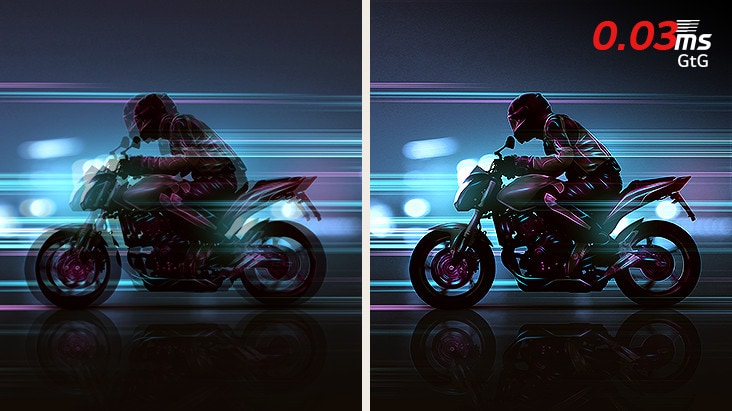
*The images simulated to enhance feature understanding. It may differ from actual use.
All new design in your style
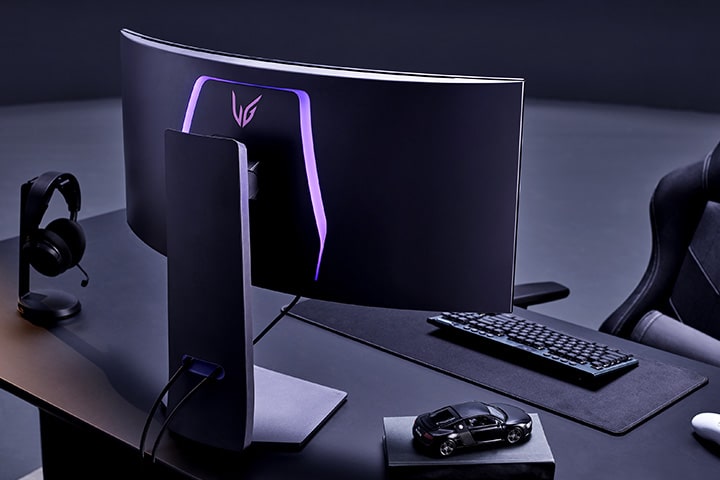
Unveiling UltraGear’s new identity in Unity Hexagonal Design. Unfold your own game room with a streamlined, unique design. Its clutter-free L stand occupies minimal desk space, allowing you to minimize dead space.
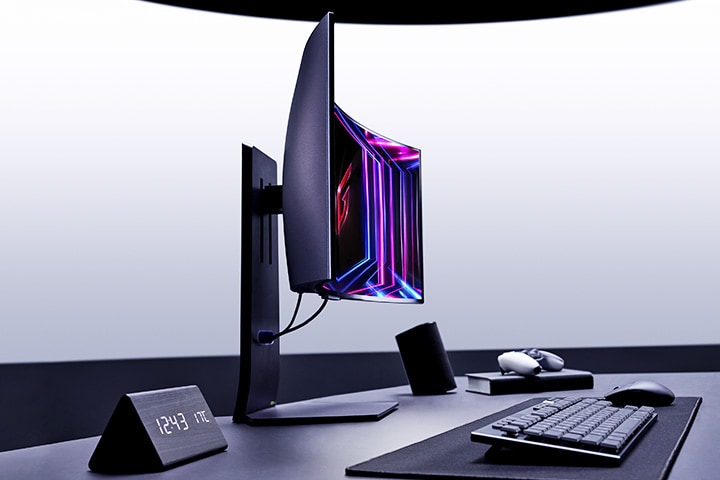
Product image of side.

Swivel

Tilt

Height

Borderless design
*The images simulated to enhance feature understanding. It may differ from actual use.
Fluid gaming experience
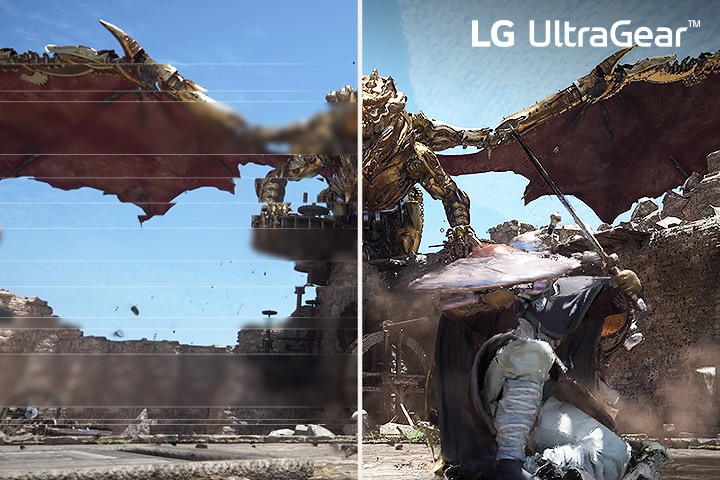
Comparison of fluid gaming image – The left image is tearing, and the Right image is tear-free.
VESA certified AdaptiveSync
Featuring VESA AdaptiveSync Display certification, geared towards gaming with notably higher refresh rates and low latency. Enjoy smoother, tear-free gaming visuals and jitter-free video playback.

NVIDIA® G-SYNC® Compatible
This monitor is an NVIDIA-tested and officially validated G-SYNC® Compatible monitor, that can give you a good gaming experience with significantly reduced tearing or stuttering.

AMD FreeSync™ Premium Pro
With FreeSync™ Premium Pro technology, gamers can experience seamless, fluid movement in high-resolution and fast-paced games. It significantly reduces screen tearing and stuttering.
*The images simulated to enhance feature understanding. It may differ from actual use.
*The performance of the feature is compared to the models not applying the sync technology.
*Errors or delays may occur depending on the network connection.
Bring sharpness to your play
This monitor has received VESA ClearMR 13000 certification, allowing you to see every movement as clearly as still images with incredibly reduced motion blur for gaming.
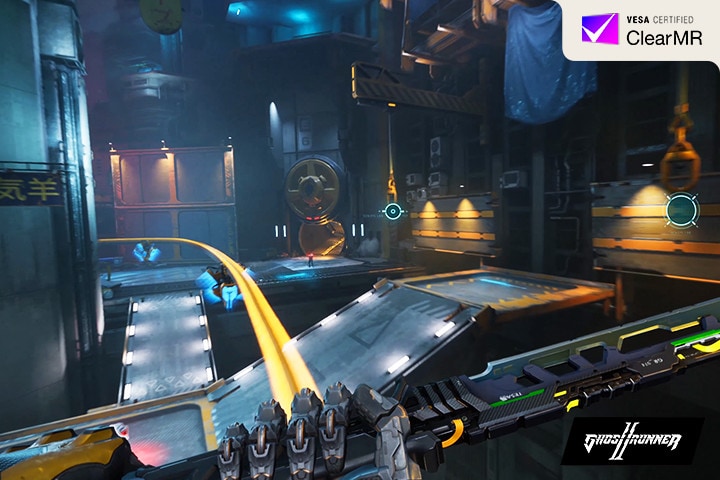
*The images simulated to enhance feature understanding. It may differ from actual use.
Anti-glare & Low reflection
Show only your game
Anti-glare & Low reflection technology can provide a better viewing experience anywhere by reducing screen distraction even in the surrounding lighting environment.
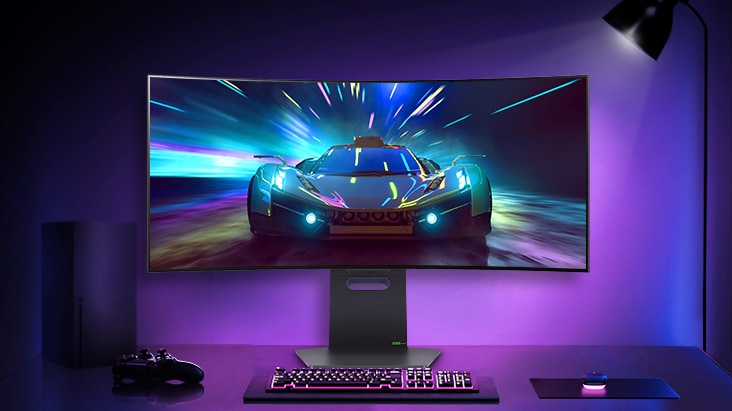
*The images simulated to enhance feature understanding. It may differ from actual use.
Comfortable but vibrant
Keep your gaming experience brilliant, keeping your eyes comfortable with LG’s Live Colour Low Blue Light technology.

*LG OLED panels have been certified as Flicker-Free, Discomfort Glare Free, and Low Blue Light by UL.
*Certificate Number: Flicker-Free Display (OLED) – A196009, Discomfort Glare Free – V563481 (conditions of UGR less than 22), Low Blue Light Hardware Solution Platinum – V745051.
*The above feature may vary depending on the user’s computing environment or conditions.
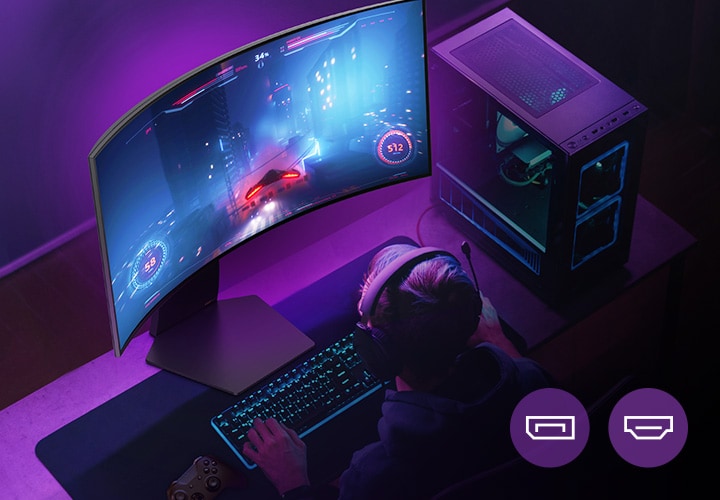
*It supports up to 240Hz rapid refresh rate. A graphic card that supports DP 1.4 or HDMI 2.1 cable (included in the package) is required to work properly.
*The graphics card is NOT included in the package. You should purchase it separately.
PBP & PIP
Play games and do more
This monitor supports up to 2 PBP and PIP, allowing you to see the content coming from 2 inputs on one screen. It means you can run multiple games or tasks on one monitor at the same time.
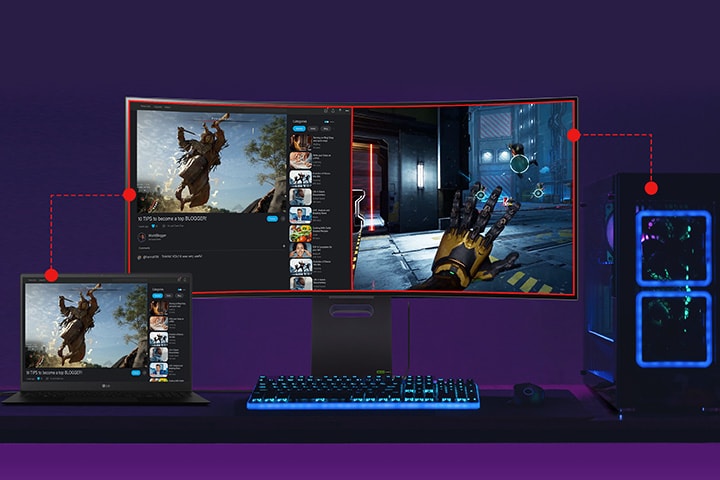
The divided screen each from laptop and PC.
*The images simulated to enhance feature understanding. It may differ from actual use.
*PBP: Picture By Picture / PIP: Picture In Picture.
*The actual performance will vary from the PC and running programs.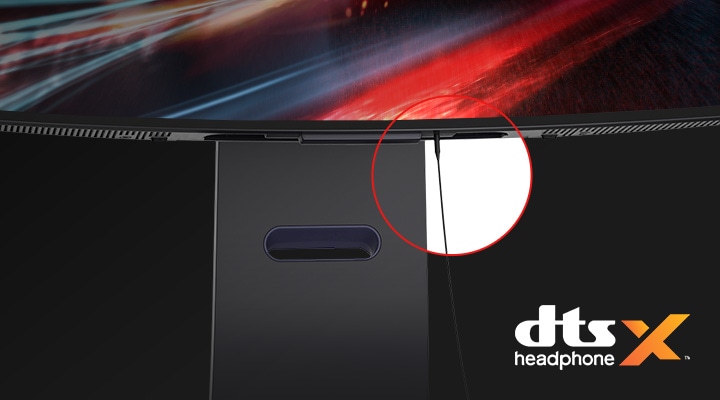
*Headsets are NOT included in the package. You should purchase it separately.
Gaming GUI
Award-winning gaming GUI
Gamers can use On-Screen Display and OnScreen Control to easily customize the setting from adjusting basic monitor options to registering ‘User Defined Key’ that user can set the shortcut.
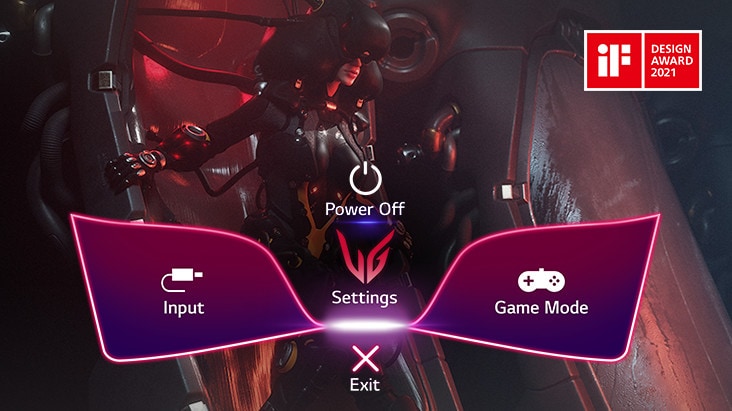
*To download the latest OnScreen Control software, visit LG.COM.
*The images simulated to enhance feature understanding. It may differ from actual use.
How to Protect your OLED
You can prevent occurring afterimages or display burn-in by turning on the ‘OLED Screen Move’, which moves the screen slightly at regular intervals, ‘Screen Saver’ and ‘Image Cleaning’.
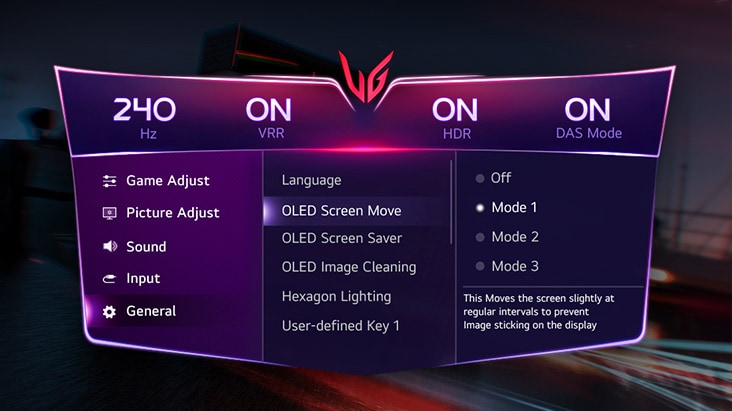
*This feature can be controlled or set with the 4-way joystick button on the monitor.
Dynamic Action Sync
Reducing input lag with Dynamic Action Sync, gamers can catch critical moments in real-time and respond quickly.
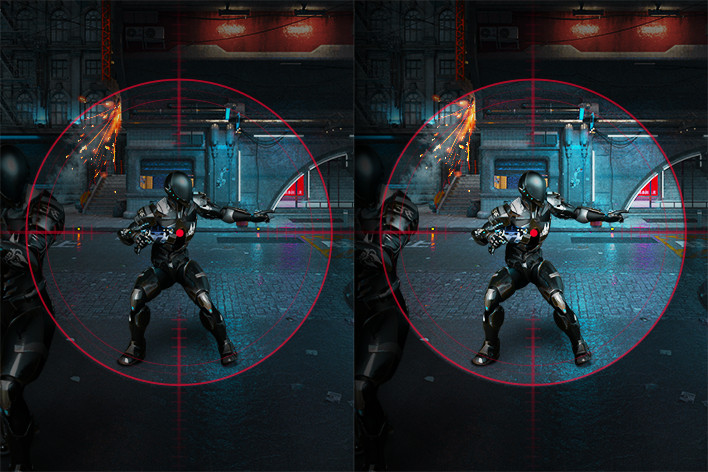
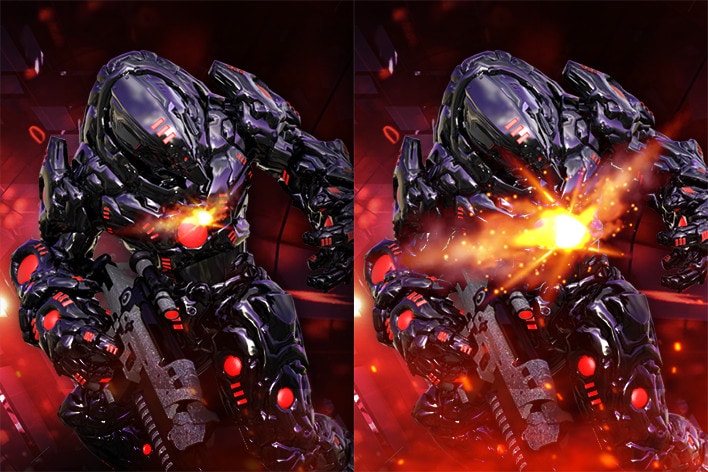
Black Stabilizer
Black Stabilizer helps gamers to detect snipers lurking in the darkest corners and swiftly navigate flash explosions.
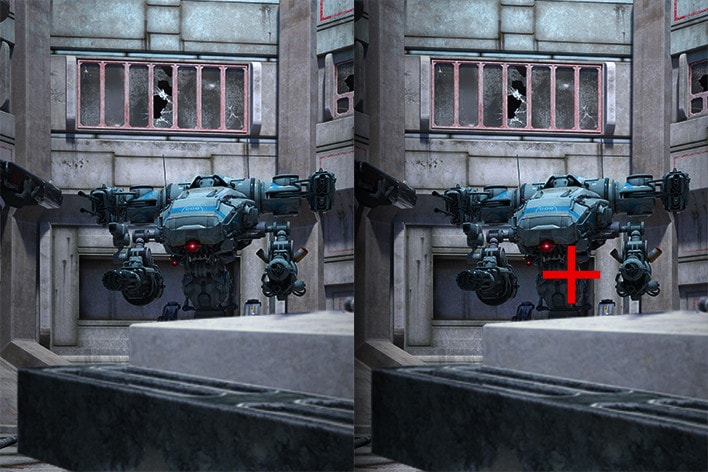
Crosshair
The target point is fixed in the center to enhance shooting accuracy.
*The images simulated to enhance feature understanding. It may differ from actual use.
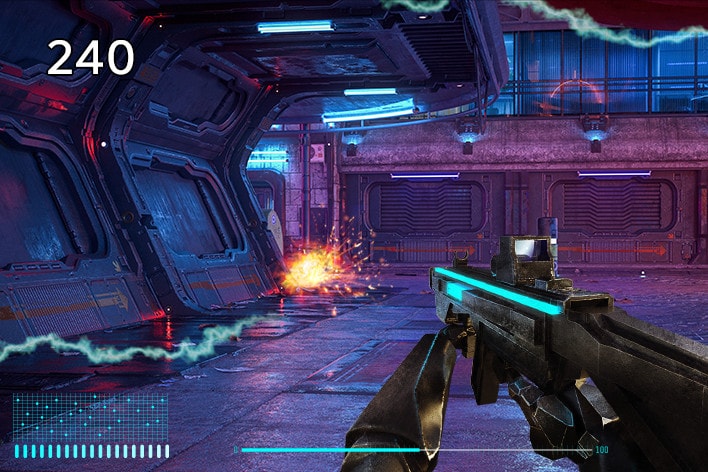
*The Crosshair feature is unavailable while FPS Counter is activated.
*FPS Counter may display the value that exceeds the monitor’s maximum refresh rate.
*FPS (Frame Per Second) Counter: Measurement of frames per second.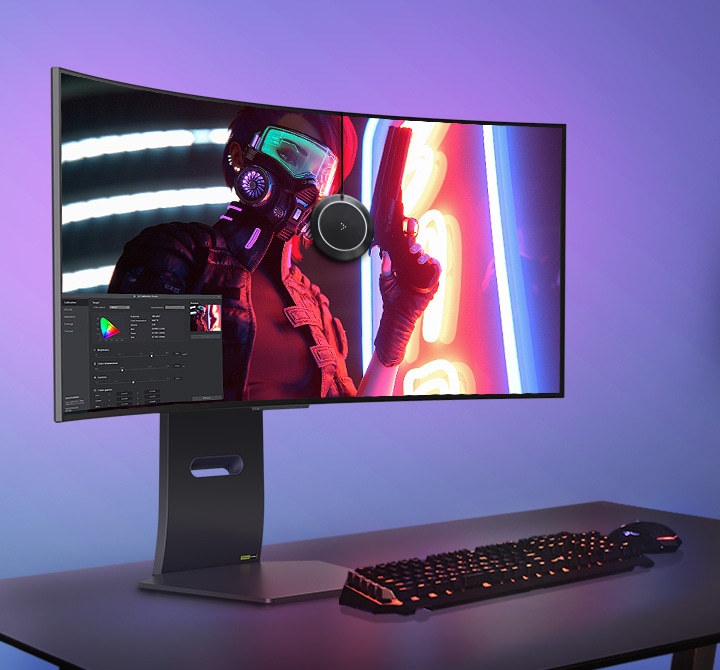
*The images simulated to enhance feature understanding. It may differ from actual use.
*The software and a Calibration Sensor are NOT included in the package. To download the latest LG Calibration Studio software, visit LG.COM.
| brands | LG |
|---|
All Spec
INFO
-
Product name
UltraGear
-
Year
Y24
DISPLAY
-
Size [Inch]
33.9
-
Size [cm]
86.2
-
Resolution
3440 x 1440
-
Panel Type
OLED
-
Aspect Ratio
21:9
-
Pixel Pitch [mm]
0.231 × 0.231 mm
-
Color Gamut (Min.)
DCI-P3 94% (CIE1976)
-
Color Gamut (Typ.)
DCI-P3 98.5% (CIE1976)
-
Color Depth (Number of Colors)
1.07B
-
Contrast Ratio (Min.)
1200000:1
-
Contrast Ratio (Typ.)
1500000:1
-
Response Time
0.03ms (GTG)
-
Refresh Rate (Max.) [Hz]
240
-
Viewing Angle (CR≥10)
178º(R/L), 178º(U/D)
-
Curvature
800R
-
Brightness (Min.) [cd/m²]
250cd/㎡
-
Brightness (Typ.) [cd/m²]
275cd/m²
-
Colour Bit
10bit
FEATURES
-
HDR 10
YES
-
VESA DisplayHDR™
DisplayHDR True Black 400
-
HDR Effect
YES
-
Color Calibrated in Factory
YES
-
HW Calibration
HW Calibration Ready
-
Reader Mode
YES
-
Color Weakness
YES
-
NVIDIA G-Sync™
G-SYNC Compatible
-
AMD FreeSync™
FreeSync Premium Pro
-
VRR
YES
-
Black Stabilizer
YES
-
Dynamic Action Sync
YES
-
Crosshair
YES
-
FPS Counter
YES
-
User Defined Key
YES
-
Auto Input Switch
YES
-
RGB LED Lighting
Unity Hexagon Lighting
-
PBP
2PBP
-
PIP
YES
-
Smart Energy Saving
YES
-
Others (Features)
VESA DSC Tech, 4way Joystick
SW APPLICATION
-
LG Calibration Studio (True Color Pro)
YES
-
Dual Controller
YES
-
OnScreen Control (LG Screen Manager)
YES
CONNECTIVITY
-
HDMI
YES(2ea)
-
DisplayPort
YES(1ea)
-
DP Version
1.4 (DSC)
-
USB Upstream Port
YES(1ea/ver3.0)
-
USB Downstream Port
YES(2ea/ver3.0)
-
Headphone out
4-Pole(Sound+Mic)
POWER
-
Type
External Power(Adapter)
-
AC Input
100~240V (50/60Hz)
-
Power Consumption (Sleep Mode)
Less than 0.5W
-
Power Consumption (DC Off)
Less than 0.3W
-
DC Output
19.5V, 10.8A
MECHANICAL
-
Wall Mountable [mm]
100 x 100mm
DIMENSIONS/WEIGHTS
-
Dimension with Stand (W x H x D) [mm]
784.1 x 585.9 x 278.7mm(UP) / 784.1 x 465.9 x 278.7mm(Down)
-
Dimension without Stand (W x H x D) [mm]
784.1 x 358.3 x 167.1mm
-
Dimension in Shiping (W x H x D) [mm]
927 x 295 x 550mm
-
Weight with Stand [kg]
9.3kg
-
Weight without Stand [kg]
5.9kg
-
Weight in Shipping [kg]
14.0kg
ACCESSORY
-
HDMI
YES (ver 2.1)
-
Display Port
YES
-
USB A to B
YES
-
Others (Accessory)
Door
-
Adapter
YES
-
Calibration Report (Paper)
YES
-
HDMI (Color/Length)
Black / 1.8m
-
Power Cord
YES
Related products
-
Air Conditioner, Brands, PEL, Split
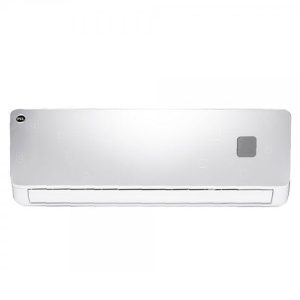
Pel 12K Ace DC Inverter AC 1 Ton
PEL InverterOn ACE Plus Air Conditioner 1 Ton (H&C)
 This advanced technology feature guarantees optimum performance and high energy savings.It starts the Air Conditioner even on 140 Volts that gives excellent energy saving experience.PEL Air Conditioners are built to work on maximum efficiency that not only saves energy but also gives annual savings.Full capacity units with full wattage compressor that gives you an outstanding cooling experience.The latest innovative technology that cools the room in just 30 seconds.This advanced feature protects and auto cleans the air conditioner with its anti-rust, exclusive air-purification and extended life feature.SKU: 12K-ACE
 -
Air Conditioner, Brands, PEL, Split
Pel 18K Ace DC Inverter AC 1.5 Ton
PEL InverterOn ACE Plus Air Conditioner 1.5 Ton (H&C)
This advanced technology feature guarantees optimum performance and high energy savings.
It starts the Air Conditioner even on 140 Volts that gives excellent energy saving experience.
PEL Air Conditioners are built to work on maximum efficiency that not only saves energy but also gives annual savings.
Full capacity units with full wattage compressor that gives you an outstanding cooling experience.
The latest innovative technology that cools the room in just 30 seconds.
This advanced feature protects and auto cleans the air conditioner with its anti-rust, exclusive air-purification and extended life feature.
 Free DeliverySKU: 18K-ACE


 Free Delivery